Step 1: Select a category

Your Plot (,)
Number of visitors:
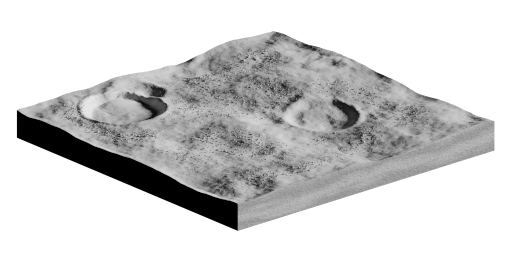
Plot headline: Not set
Not set
Not set
Your Plot (,)
Number of visitors:
Plot headline: Not set
Not set
Not set
Please remember, adding any personal identifying information
will allow others to link your wallet address to you.
Currently built on land
Nothing built.
Build on this land
Step 1: Select a category
Step 2: Select one of the prebuilt options below
Rotating NFT Display
Flag & Flagpole
Habitat
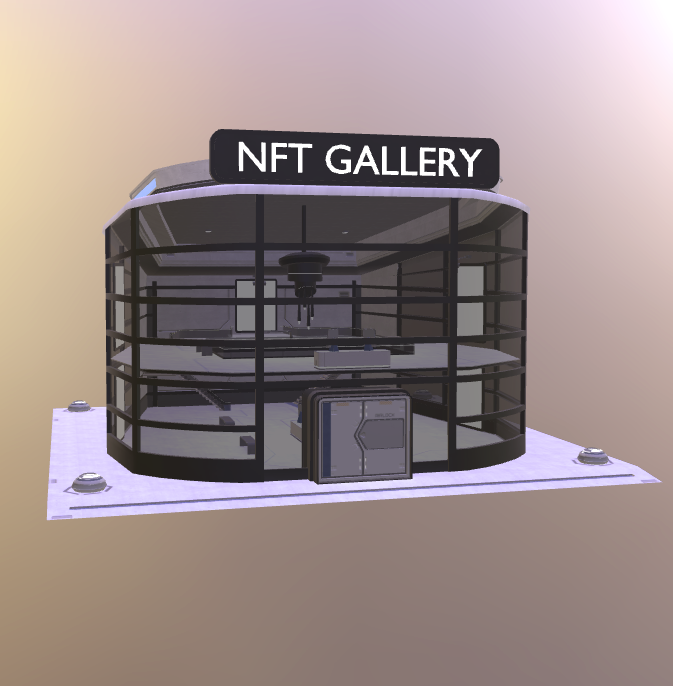
NFT Gallery (Requires 2x2)
Step 3: Select one of your NFTs to display
The aspect ratio will appear as displayed below. This billboard is not ideal for landscape NFTs.
No NFTs found in your connected wallet(s).
Step 3: Select a flag
Step 3: Select five of your NFTs to display.
The aspect ratio will appear as displayed below. This gallery is not ideal for landscape NFTs.
No NFTs found in your connected wallet(s).
Step 3: Customise your habitat.
No NFTs found in your connected wallet(s).
Step 2: Provide a url to your GLTF file
A detailed guideline can be found here.
Be sure to test your build on Babylon Sandbox and/or Carda Station Viewer to confirm it meets the requirements and to see exactly how it will look.
Optionally Add Interative Elements
Your GLTF file will be scanned, tested then deployed. We will provide feedback here if there are any issues.
URL of your GLTF file:
The builder tool can be accessed in-game directly on your land.